Running a site
Moving from WordPress
Bring pages, posts, images and menus over from a WordPress export.
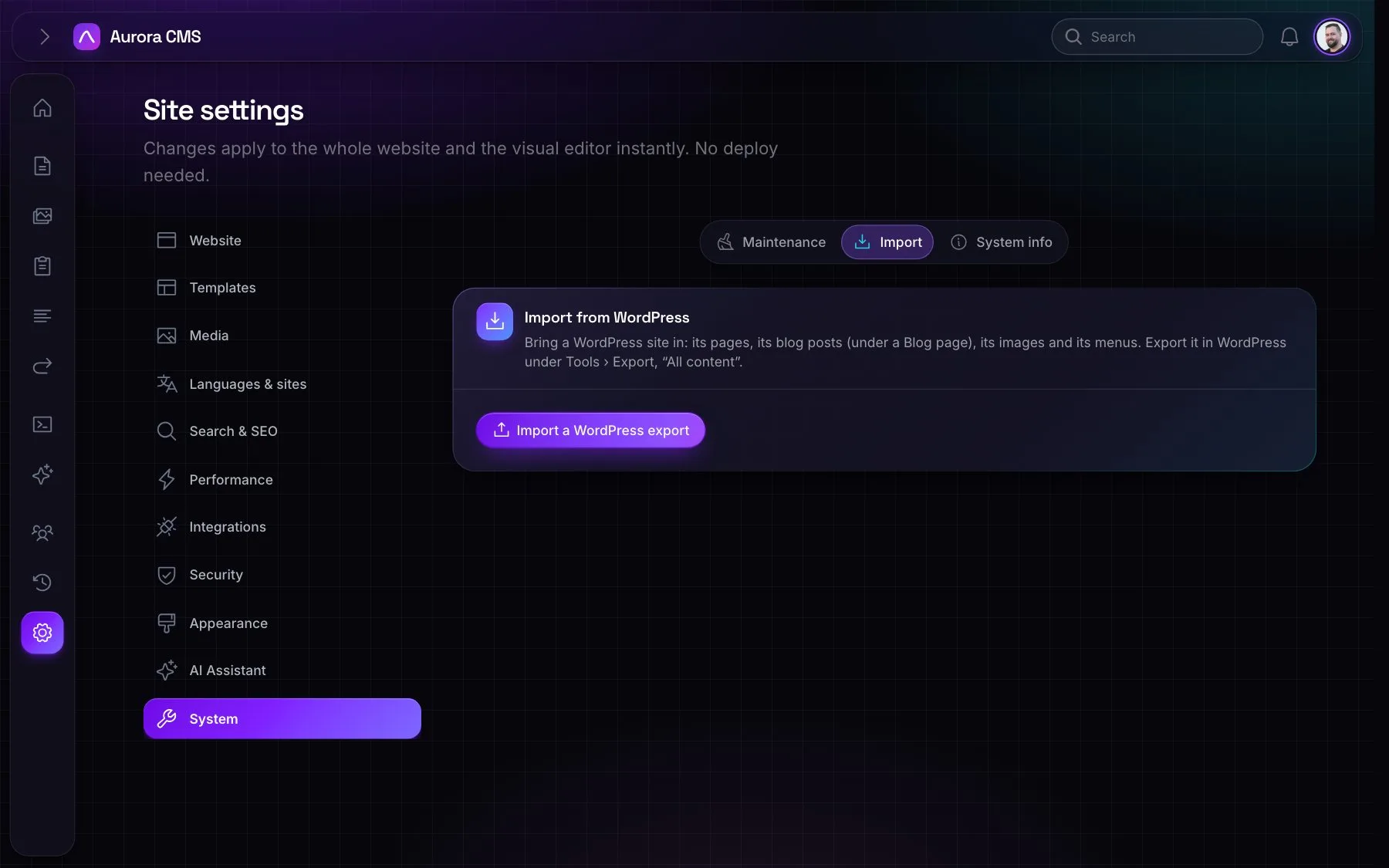
Export the site in WordPress (Tools › Export, All content), then import it under Settings › System › Import, or on the command line:
~
Terminal
$ php artisan aurora:import-wordpress export.xml --site=main- Pages come in as they are in WordPress, published or draft.
- Blog posts come in too, under a Blog page (
--without-postsleaves them out). - Images are downloaded into the media library (
--without-mediaskips them). - Menus are rebuilt.