Running a site
Settings
Every page and tab in Settings, and what each one holds.
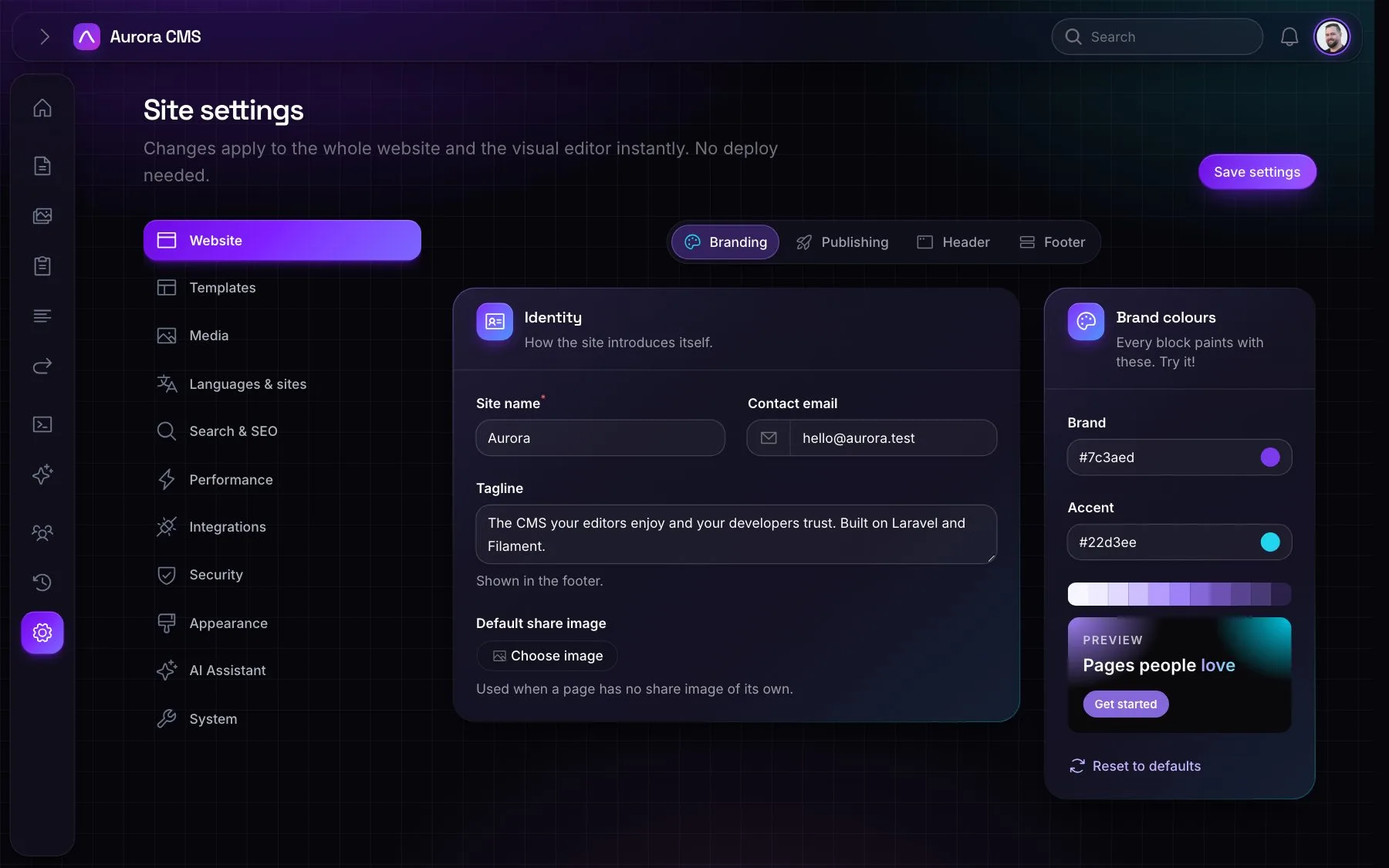
Settings is grouped into pages in a side menu, each with tabs, at ?tab=<page>§ion=<tab>. Packages and the website can add their own tabs.
| Page | Tab | What it holds |
|---|---|---|
| Website | Branding | Site name, contact email, tagline, default share image, brand and accent colours with a live preview |
| Publishing | Whether saved changes to live pages go live straight away | |
| Header, Footer | From this website's own set-up: the header button, announcement bar, footer note and social profiles | |
| Templates | Layouts | The page layouts: name, handle, icon, Blade view, and which is the default |
| Blocks | Every block, with an uploadable picture for the palette | |
| Menu locations | The places in templates that can show a menu | |
| Media | Image formats | The sizes made of every image: width, height, format, quality, responsive |
| Languages & sites | Languages, Sites | Languages and their prefixes; the websites this admin runs |
| Search & SEO | Search index, SEO report | Try a search, reindex; every live page that could do better in search results |
| Performance | Page cache | Serve pages ready-made; how long to keep them; clear the cache |
| Integrations | REST API, GraphQL API, Webhooks | Switch the APIs on, require keys, manage keys; addresses told about content events |
| Security | Sign-in, Website access, API keys | Require two-factor or passkeys; limit the website to IP addresses; keys with scopes |
| Appearance | Admin theme | The admin's theme, for everyone |
| AI Assistant | AI Assistant | Provider, model, API key (stored encrypted), on or off, alt text for new images, instructions |
| System | Maintenance, Import, System info | Clear caches, send a test email, reindex; import WordPress; what the CMS runs on |