Features
Everything Aurora does
A tour of the CMS, from the canvas to the command line. Every feature here is in this site's admin: sign in and try it.
Editing
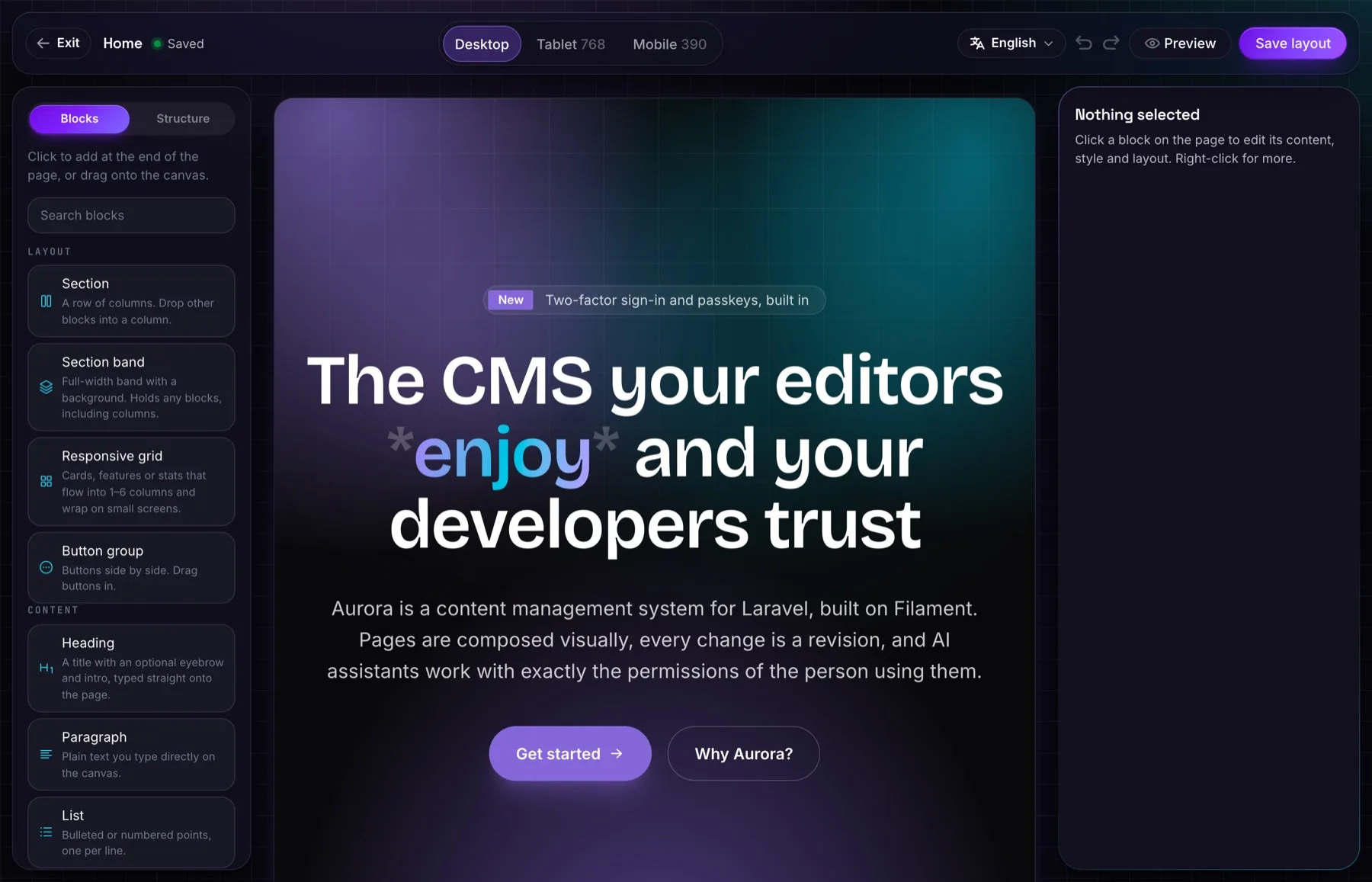
Compose pages visually
The page is the editor.
Visual canvas
Drag blocks in, type in place, and nest sections, columns and grids.
Revisions
Every save is a revision. Compare, restore, and see who changed what.
Scheduling & review
Publish later, or send a page for review: reviewers are notified.
SEO built in
Titles, descriptions, share images, a sitemap and redirects when addresses change.
Command palette
Jump anywhere, create anything and ask the assistant, from the keyboard.
Trash
Deleted pages, forms and files wait in the trash until you empty it.
Content
Media, forms and menus
The parts every website needs, done properly.
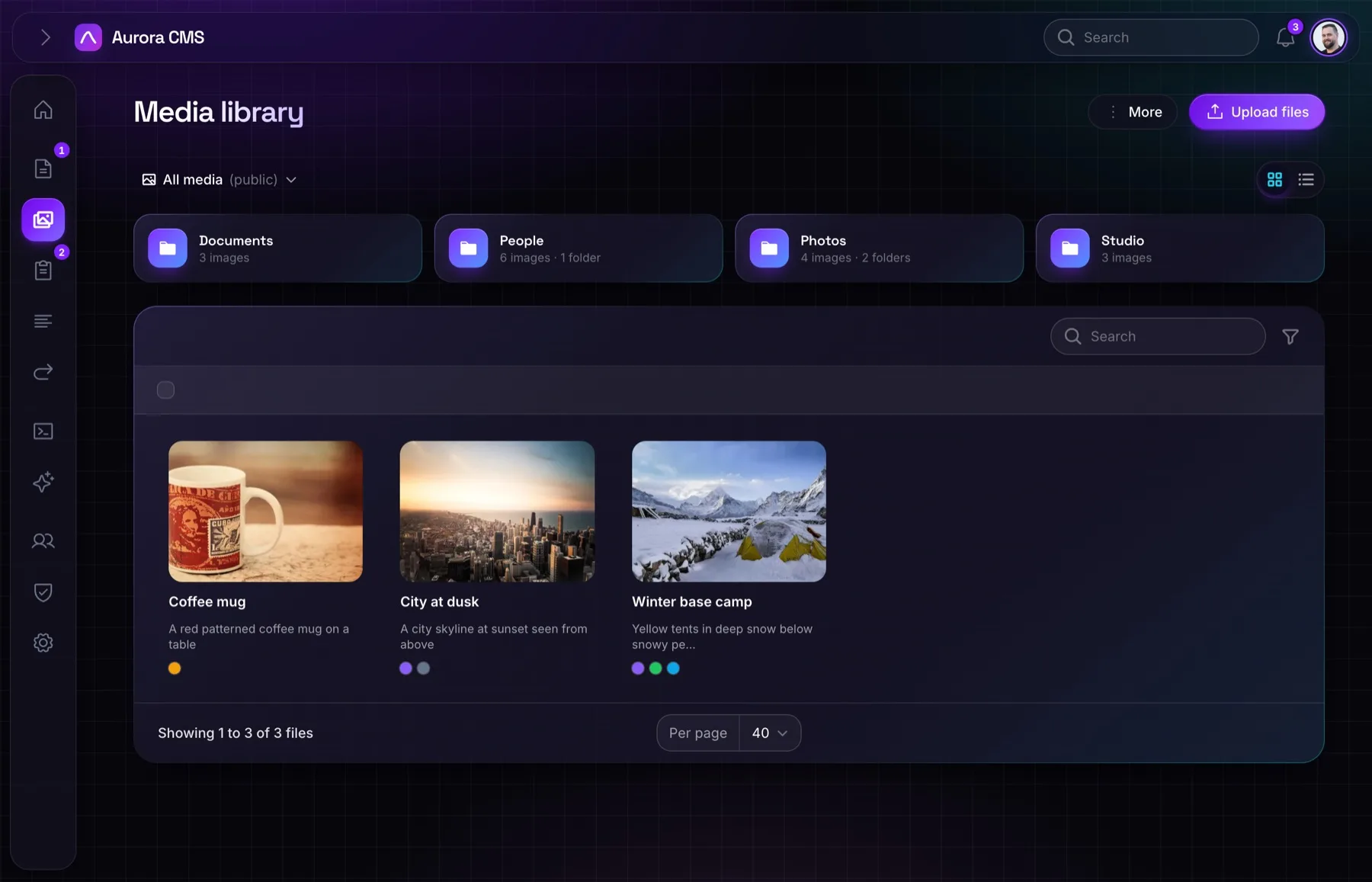
Media library
Folders, tags, crops, focal points, and where each file is used.
Forms
Build forms from fields, collect submissions and get notified by email.
Menus
Menus with any depth, linking to pages that keep their links when they move.
Languages and sites
Built for more than one
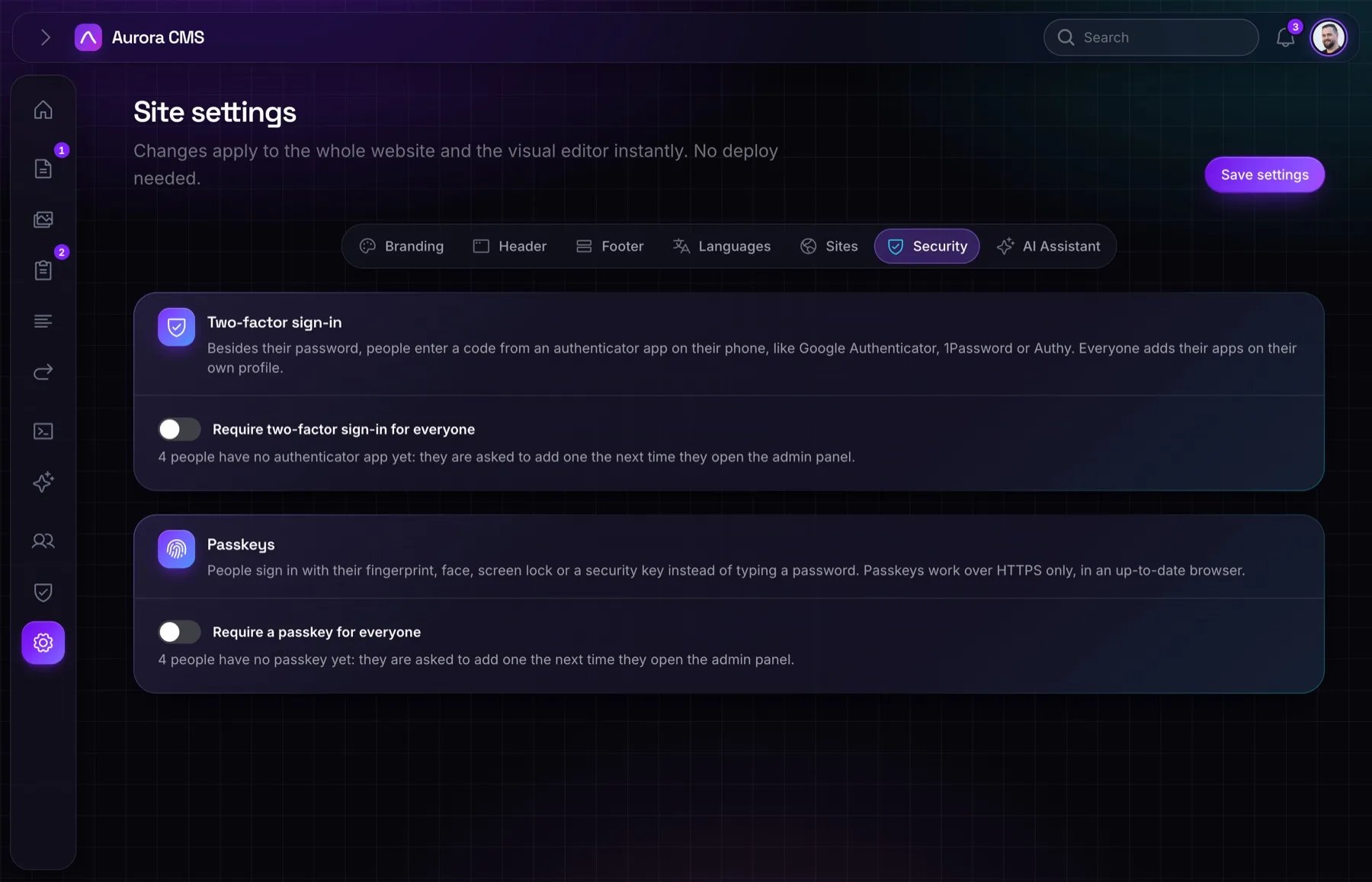
One admin for every language and every website.
Content in every language
Pages, menus, media text and forms, each with its own address per language.
Labels you can edit
Every label in the admin and the website, translated from one screen.
Multiple sites
Several websites, each with its own domain, language and settings.
People and security
The right access for everyone
Roles, sign-in and an audit trail.
Roles & permissions
Ready-made roles, your own roles, and nobody can grant more than they hold.
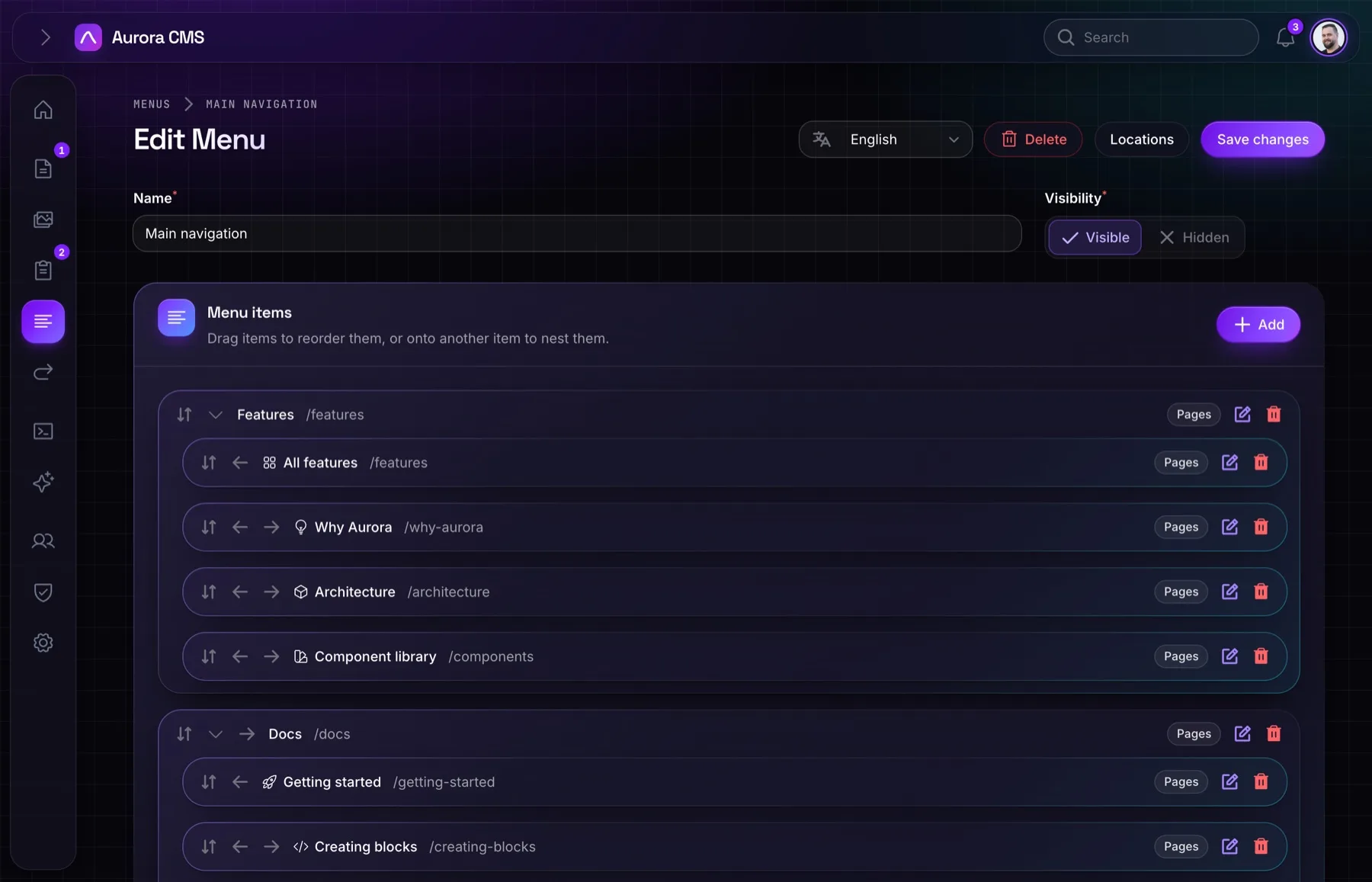
Passkeys & two-factor
Passkeys, authenticator apps and recovery codes, and a switch to require them.
Invitations
Invite people with a role; they choose their own password.
AI
Assistants you can trust
Helpful, and never more powerful than the person using them.
Assistant in the admin
Ask it to draft, restructure or translate. It knows every block.
MCP for Claude and more
Connect Claude and other apps with a URL and a sign-in, no keys to copy.
Activity log
Every AI action, who asked for it, and a revision to undo it.