Running a site
Page cache and access
Serve pages ready-made, and decide who may see them.
The page cache
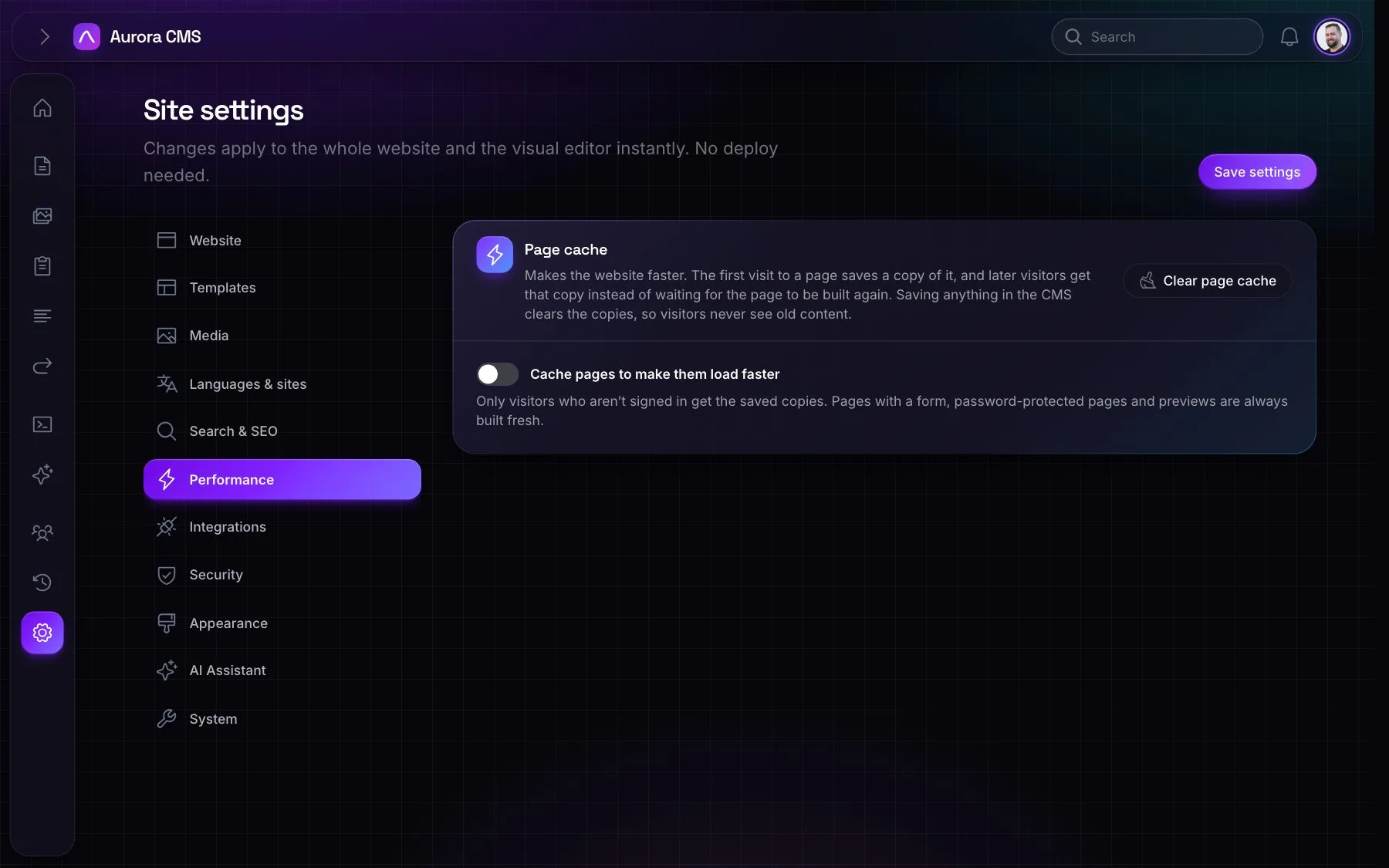
Settings › Performance › Page cache keeps rendered pages and serves them without running the page again.
- Never cached: signed-in visitors, pages with a form, password-protected and members-only pages, previews, and addresses with query strings.
- Cleared on any change to what pages show, and no later than the next scheduled publish or unpublish.
- Responses say
X-Aurora-Cache: HITorMISS.
Restricting access
- A page: Password protected (visitors type a password, stored hashed) or Only for signed-in people.
- A whole site: Settings › Security › Website access limits the website to IP addresses or ranges ("Add my address"). People signed in to the admin always get in; everyone else sees a site closed page.
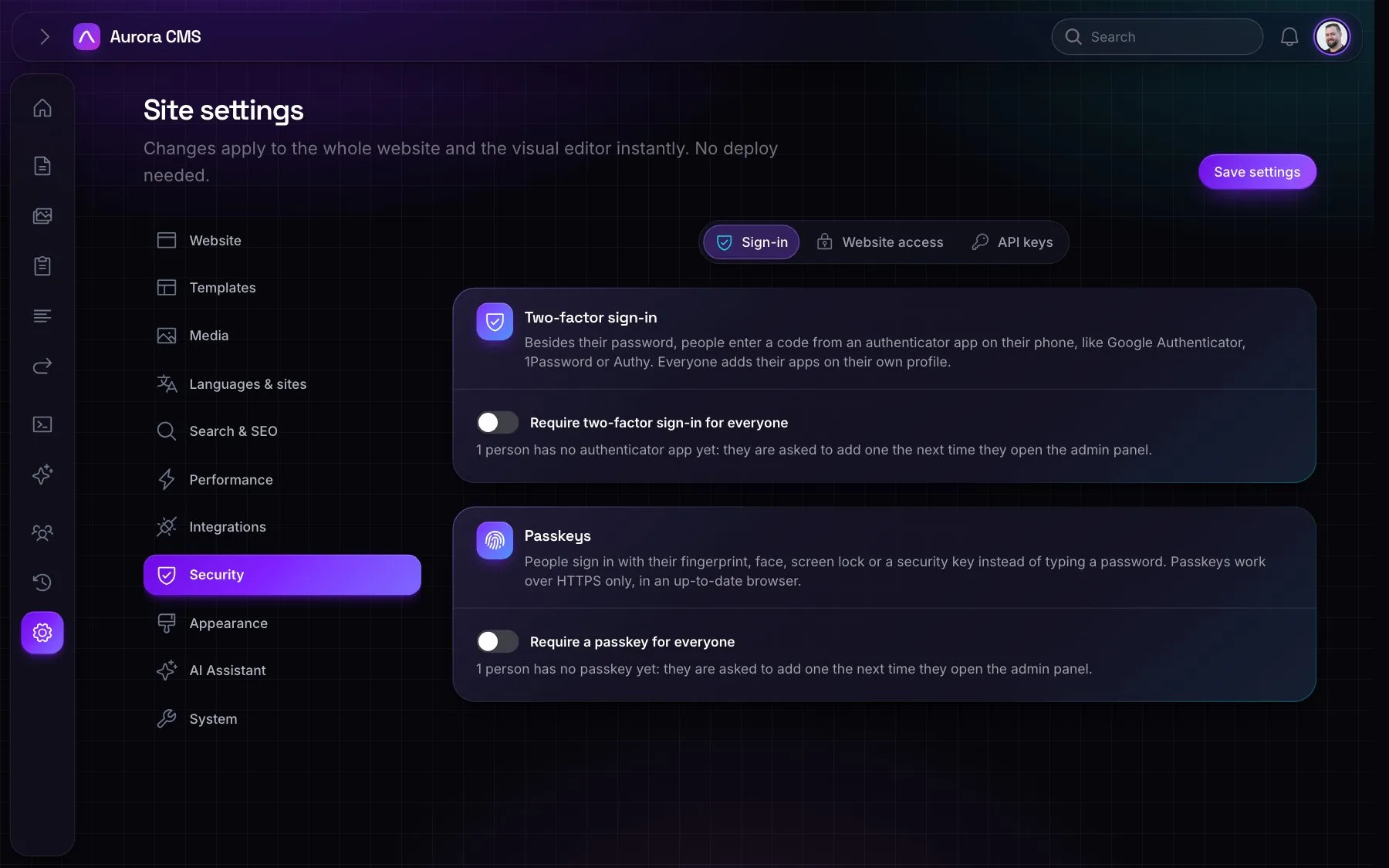
- Sign-in to the admin: Settings › Security › Sign-in can require two-factor sign-in or passkeys for everyone.
- Restyling: publish
aurora-viewsto make the password, sign-in and site closed pages your own.