Running a site
Admin themes
Choose the admin's look, or write a theme of your own.
The admin's look is a theme package. Aurora ships Borealis (deep violet and night blue, the default) and Minimal (quiet, flat greys). The theme is picked for everyone under Settings › Appearance, and a theme can support light mode, dark mode or both. The mode switch only appears when it has both.
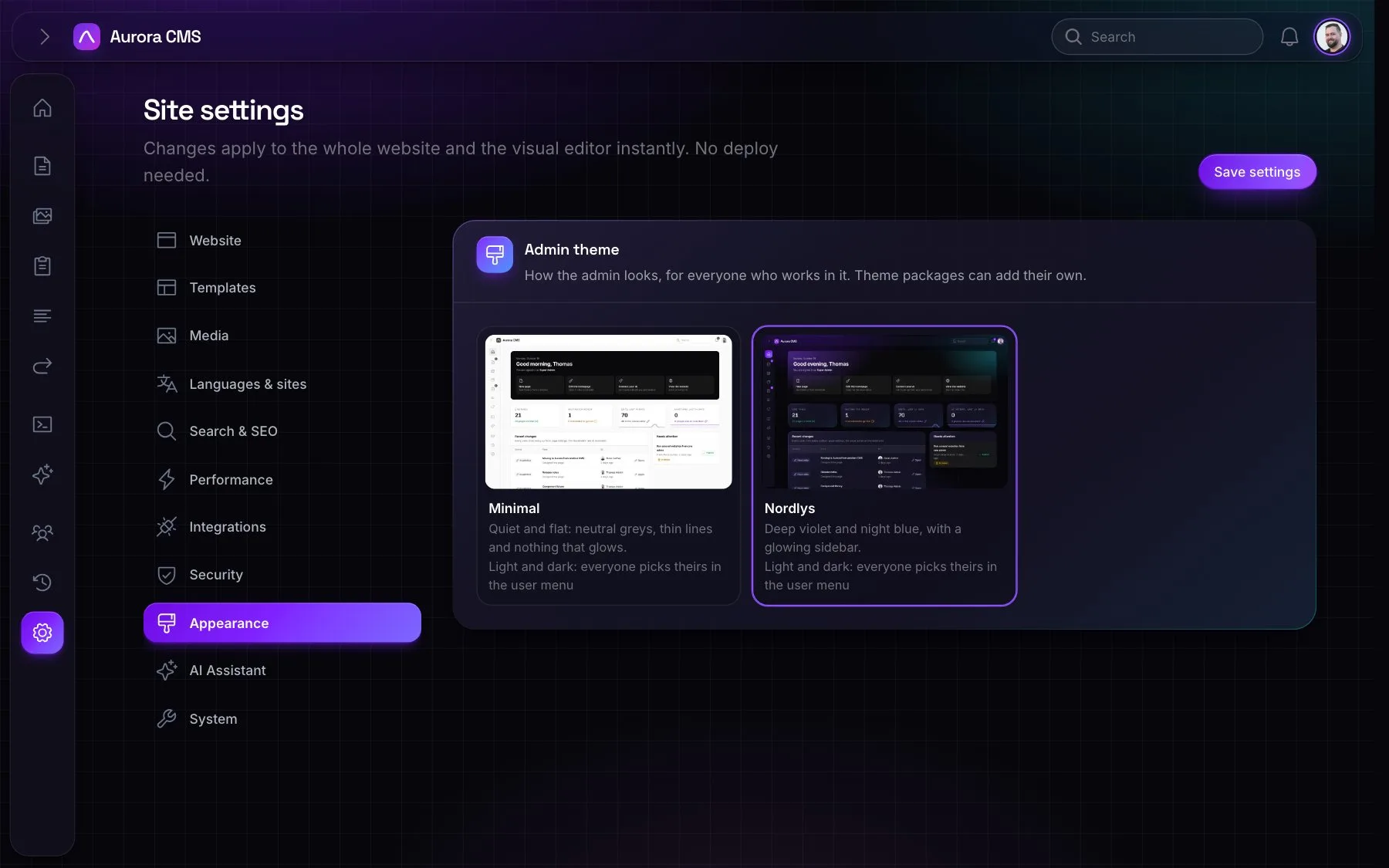
A theme is only the CMS's look. Blocks on the editor's canvas are always in the website's own stylesheet, whichever theme is chosen.
Writing a theme
A theme is a package that registers itself:
PHP
Themes::register(
    'acme',
    name: 'Acme',
    description: __('Our brand, in the admin.'),
    stylesheet: __DIR__.'/../resources/dist/theme.css',   // prebuilt
    preview: __DIR__.'/../resources/preview.webp',        // the card in Settings › Appearance
    package: 'acme/admin-theme',
    modes: ['light', 'dark'],
);- Its picture is one for every mode, or one per mode (
preview: ['light' => …, 'dark' => …]): the theme picker shows the one for the mode the person is in. - The CMS's components (canvas, inspector, media library and Settings screens) are styled once in
aurora/cms'scomponents.css, which every theme imports before its own styles. - A theme styles Filament's
fi-*classes and restylescms-*hooks where it wants something different, with its own tokens. The Minimal theme (aurora/minimal) is a good one to copy.