Using the admin
Pages
The pages list, the page form, previews, edit locks and history.
The heart of the CMS. The sidebar badge counts pages waiting for review.
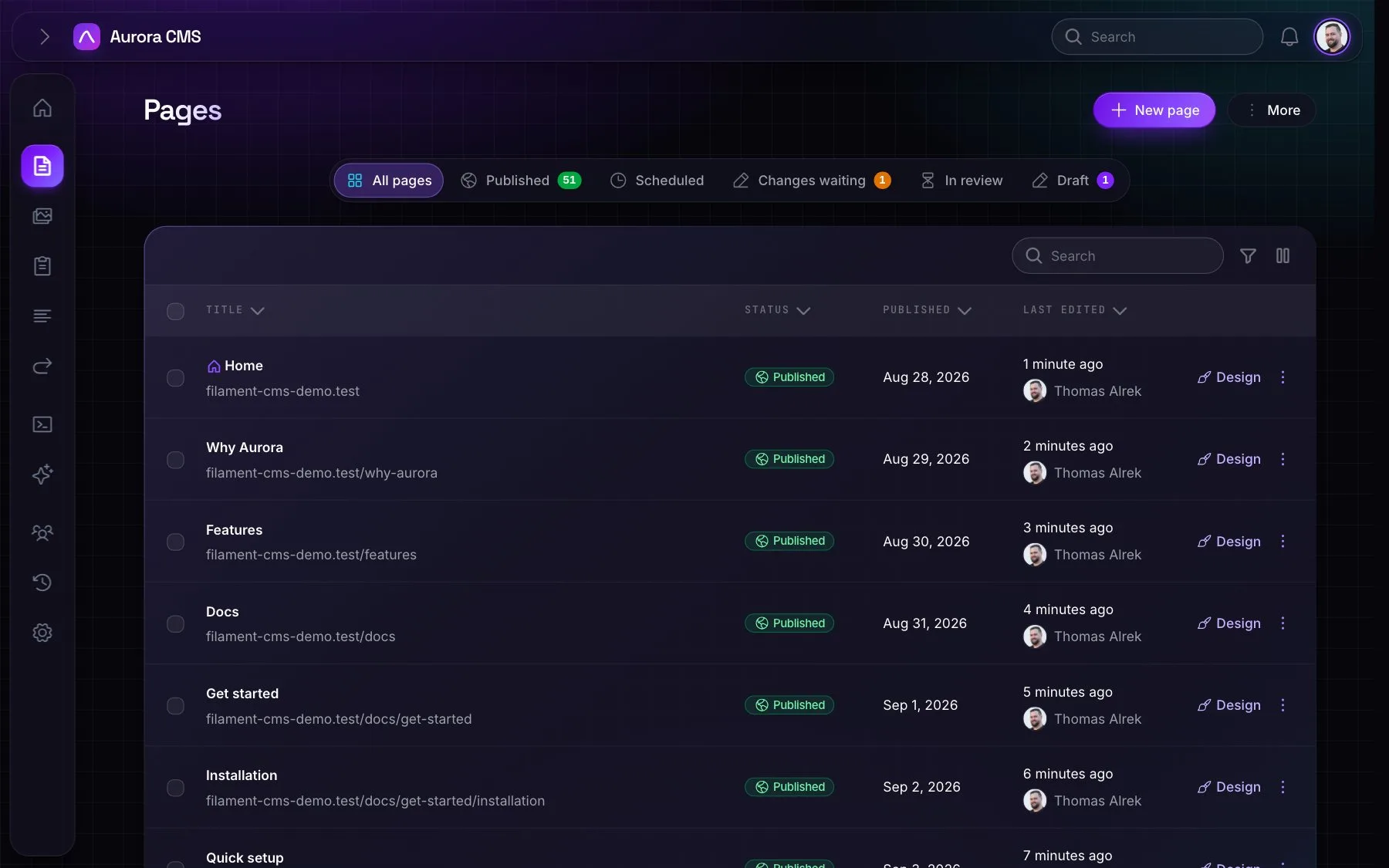
The list
- Tabs: All pages, Published, Scheduled, Review and Drafts, plus Ended (the unpublish date has passed) and Changes waiting (unpublished changes) when they have pages.
- Each row shows the full address on the site's domain; icons for the homepage, password protection and someone else editing; the status; and the layout, block count, author and last edit.
- Search and filters: by title and address; filter by status, layout, author and trashed.
- New page asks for a title, then opens the form with the address filled in. Start from copies another page's blocks as a template.
- Row actions: Design (visual editor), Publish, Settings, View or Preview, Create subpage, Duplicate, Delete and Restore.
- Bulk actions: Publish, Move to drafts, Reindex, Delete and Restore, each checked page by page against permissions.
The page form
- Page: title, parent page, address (with the domain, language prefix and parent path shown; reserved and duplicate addresses refused) and summary.
- Content: a preview of the page in its layout, with Open visual editor.
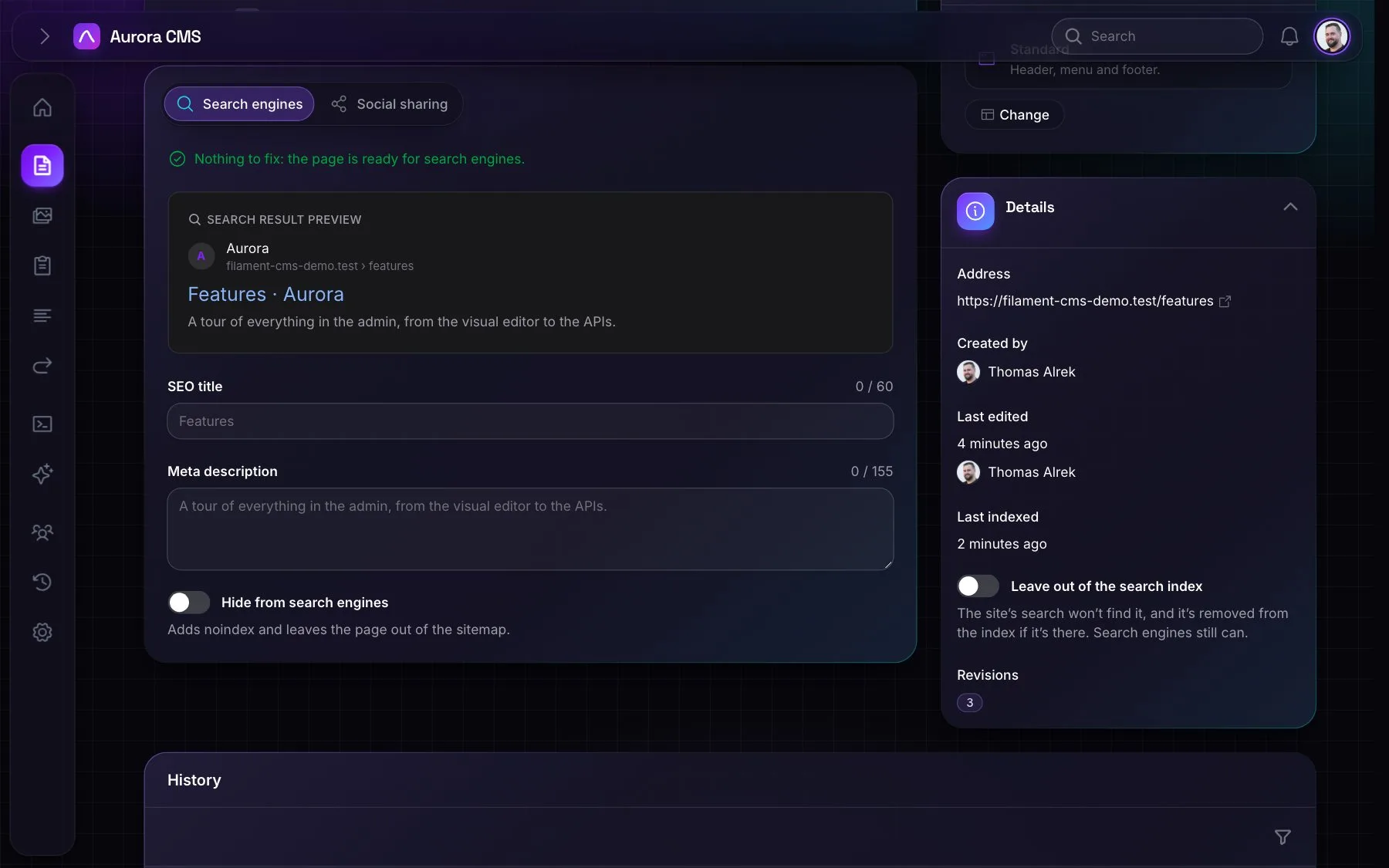
- Search engines: SEO checks (title and description length, a missing description, duplicates across pages, a missing or doubled main heading, images without alt text, a missing share image), a Google result preview, the SEO title and meta description, and Hide from search engines.
- Social sharing: the share image, cropped to 1200×630, and a social card preview.
- Publishing: status, publish and unpublish dates, Use as homepage, Only for signed-in people and Password protected.
- Languages, Layout (cards with thumbnails) and Details: the author, the last editor, revisions and search indexing.
Around the form
- Language switcher: edit the page's text in each language.
- Preview: a signed link that shows a draft, a scheduled page or unpublished changes inside the real site.
- Edit locks: opening a page takes a lock, renewed every 20 seconds and dropped after 60 seconds without renewal. Others see who is editing and can Take over; saves from anyone else are refused while the lock is held.
- Changing the address of a live page asks whether to keep the old address working, then creates 301 redirects in every language. Subpages follow.
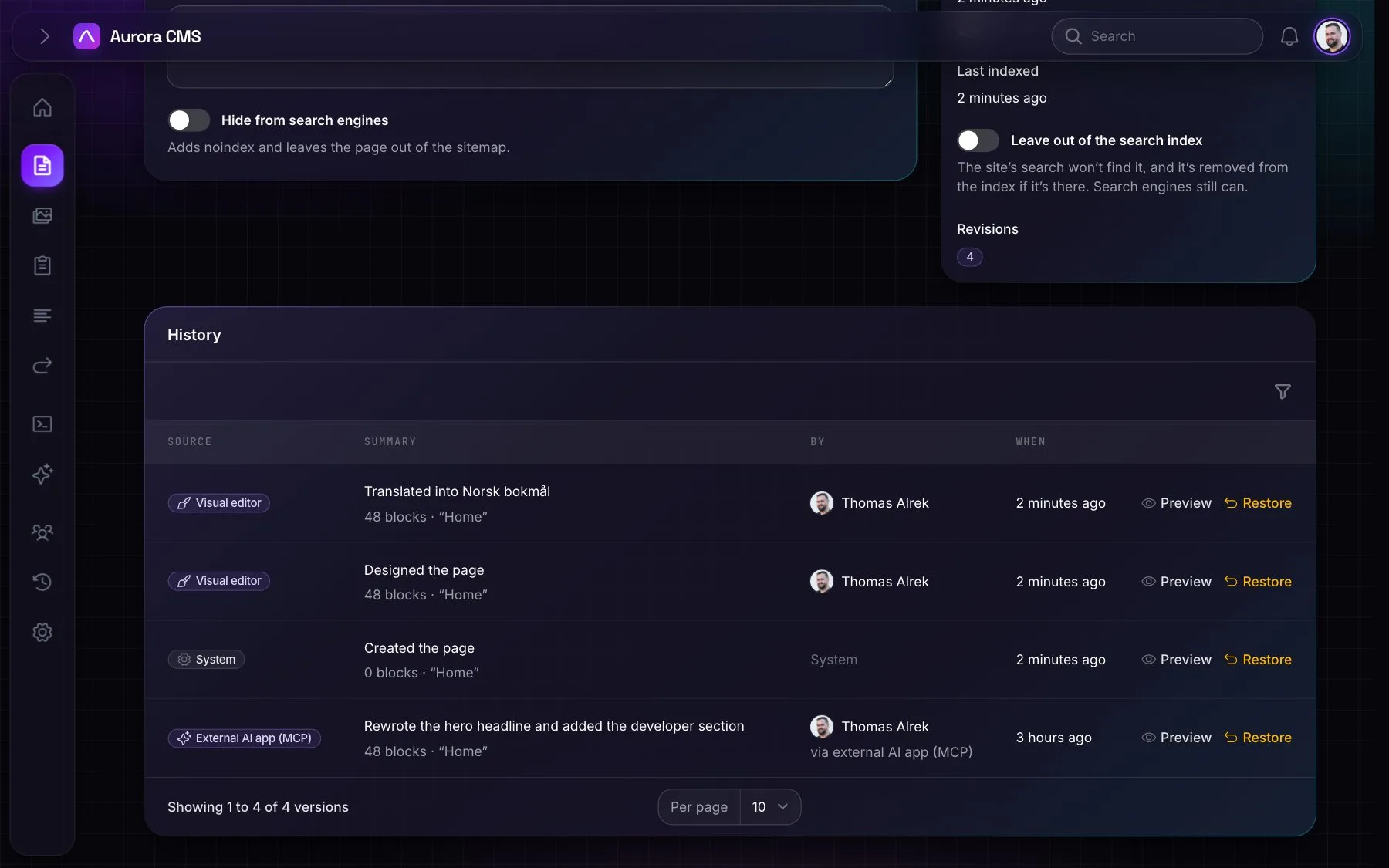
- History: every revision with its source (Editor, Visual editor, MCP, Assistant, Restore or System), the person and a summary, a preview of any revision, and one-click restore.
- Duplicate: a draft copy with the same content, layout and translations.