AI and integrations
REST and GraphQL APIs
Read pages, menus, media and settings from apps, with API keys and scopes.
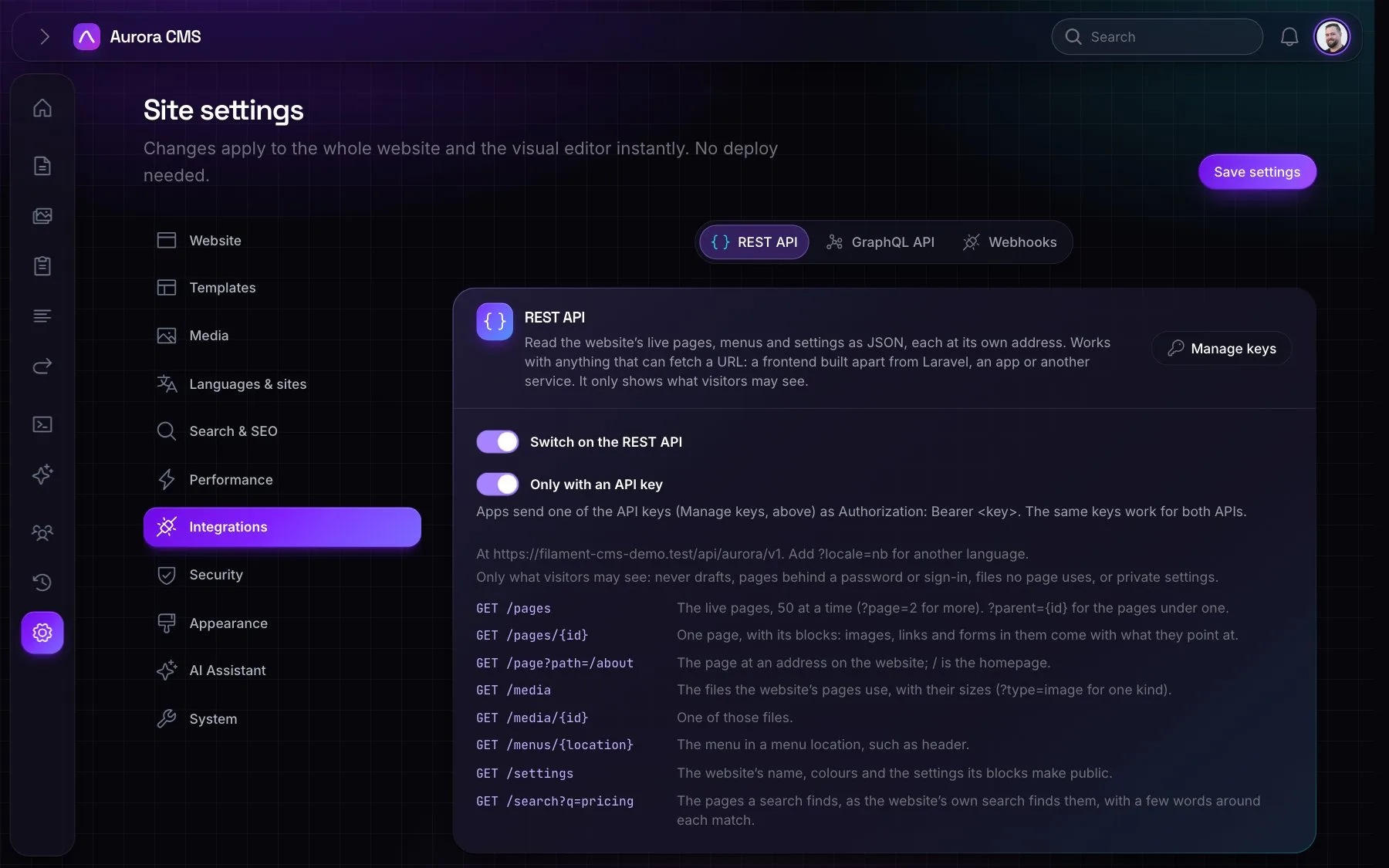
Switch either API on under Settings › Integrations. Both are read-only and only show what visitors may see: live pages that aren't password-protected or members-only, files those pages use, and public settings.
REST
At /api/aurora/v1. Add ?locale=nb for another language.
| Endpoint | Returns | Scope |
|---|---|---|
GET /pages (?page=2, ?parent={id}) | Live pages in brief, 50 per page | pages.list |
GET /pages/{id} | A page with its structured blocks and SEO | pages.read |
GET /page?path=/about | The page at an address (/ is the homepage) | pages.read |
GET /search?q=pricing | Search results with a snippet and score | search |
GET /media, GET /media/{id} | Files the pages use, with sizes and srcset | media.read |
GET /menus/{location} | A menu and its items | menus.read |
GET /settings | The site's public settings | settings.read |
$ curl https://example.com/api/aurora/v1/page?path=/docs \
$      -H "Authorization: Bearer aurora_…"
GraphQL
At /api/aurora/graphql (POST {"query": "…"}). It offers pages, page(id:, path:), search(query:), menu(location:), settings, media(id:) and mediaList, and tools like GraphiQL, Altair and Postman can read its schema. Queries nested more than 10 levels deep are turned away.
{
  page(path: "/") {
    title
    seo { title description image { url width height } }
    blocks
  }
  menu(location: "header") { items { title url children { title url } } }
}
Structured blocks
IDs in block data come out as what they point at: images and files with their URLs, sizes, srcset, alt text and focal point; page links with the page's title, path and URL; forms with their fields; rich text as cleaned HTML.
API keys
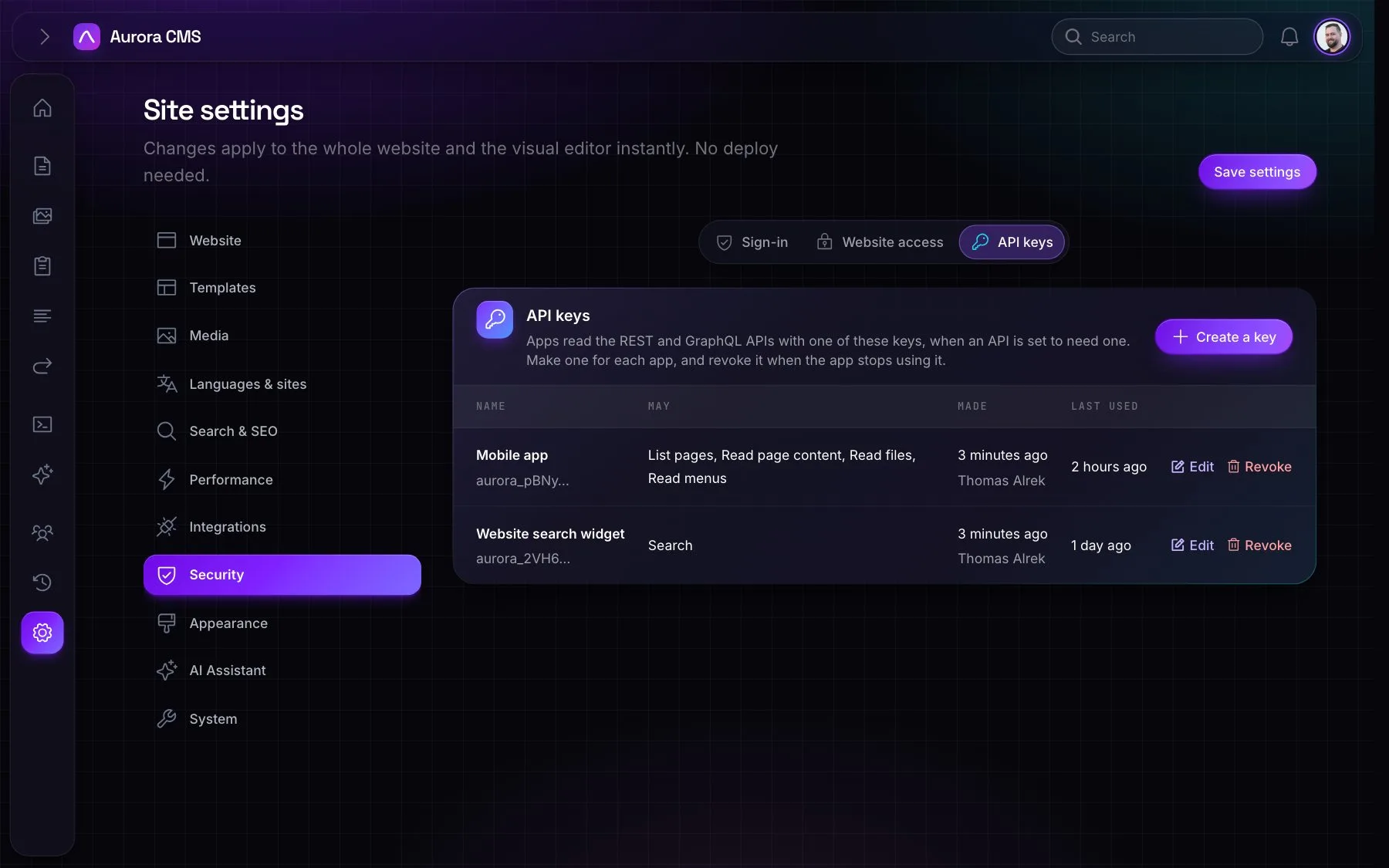
- Either API can require a key; the same keys work for both. Apps send it as
Authorization: Bearer <key>, never in the address. - Each key is named after what uses it, shown once, stored hashed, and revocable: under Settings › Security › API keys, or Manage keys on each API's tab.
- Each key has scopes: list pages, read page content, search, read files, read menus and read settings. A request outside them is refused.