Get started
Quick setup
Eight steps from a fresh install to a website your team can work on.
-
1
Sign in and brand the site
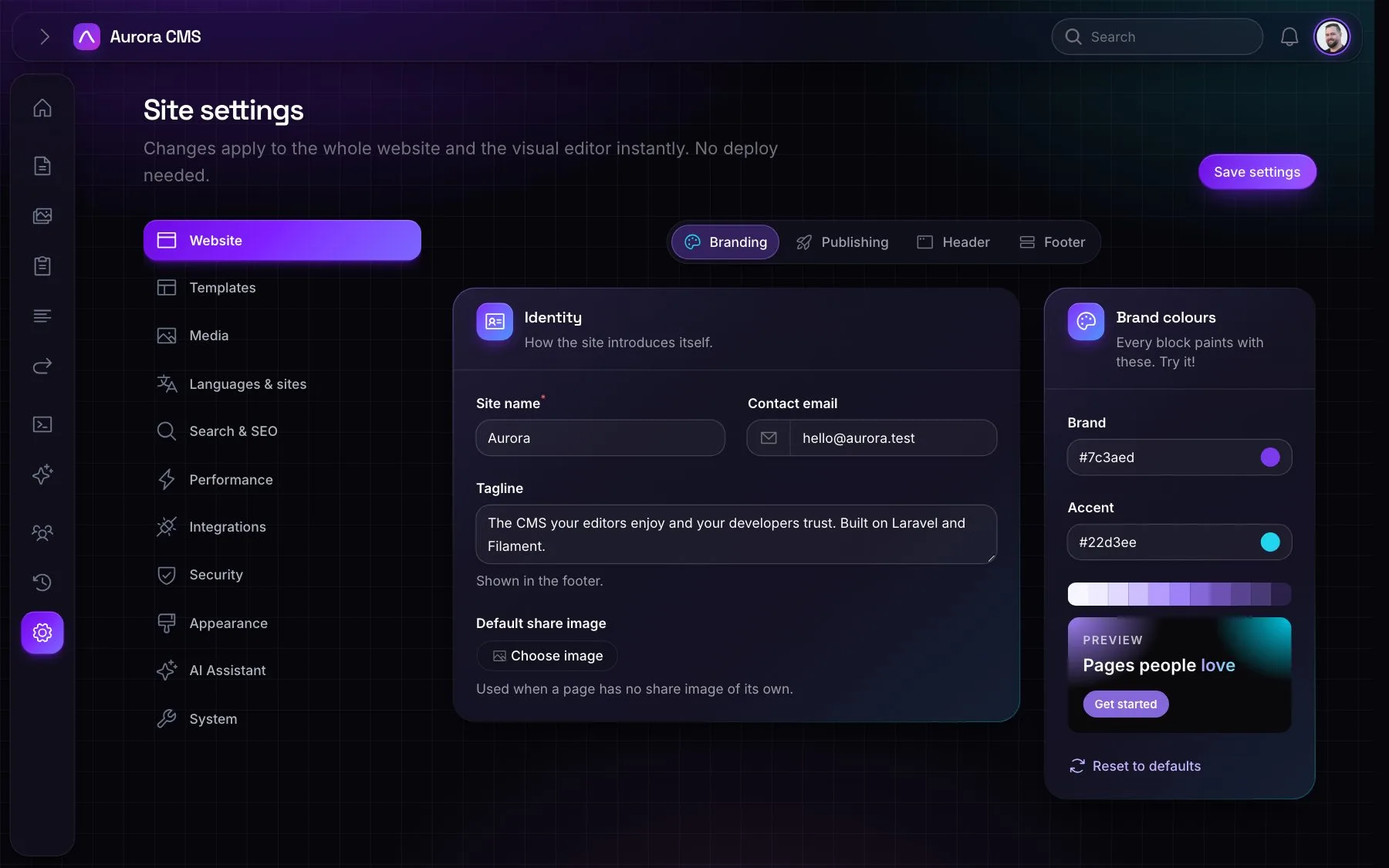
Sign in at /admin and open Settings › Website › Branding: the site name, contact email, tagline, default share image and brand colours.
-
2
Languages
Under Settings › Languages & sites, add the languages the website is written in, and their address prefixes.
-
3
Layouts
The layouts are published to resources/views/vendor/aurora/layouts. Make them the site's own, and manage them under Settings › Templates › Layouts.
-
4
Menus
Build the header and footer menus and place them in menu locations.
-
5
Pages
Create the homepage and the rest in the visual editor.
-
6
People
Invite colleagues under Users & Roles and give them roles.
-
7
AI (optional)
Add an AI provider and key in Settings › AI Assistant for the assistant in the admin, and let people connect Claude and others under AI › Connect AI apps.
-
8
Production
Run a queue worker (php artisan queue:work) and switch on Settings › Performance › Page cache.