Guide
Run several websites from one admin
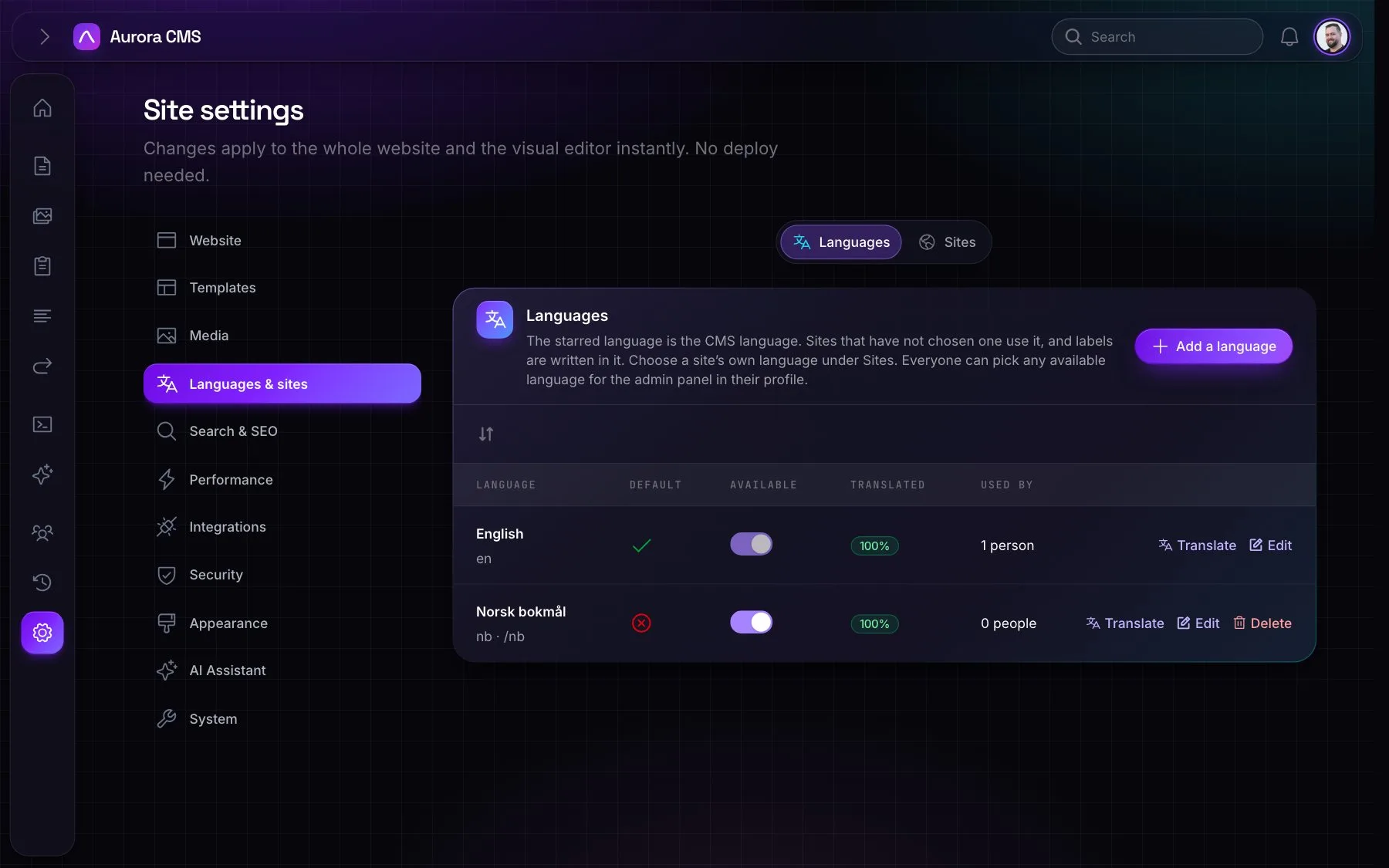
Aurora serves more than one website, each on its own domain, from the same admin. Pages, menus, forms, redirects and settings belong to a site; media, people and roles are shared.
1. Add a site
Under Settings › Languages & sites › Sites, add the new site with its name, domain and languages. A site switcher appears in the sidebar, and the new site's admin is at /admin/{site}.
2. Give people access
Open each person under Users & Roles and tick the sites they work on. They only see those sites in the switcher.
3. Point the domain
Point the domain at the same app. A request is answered by the site whose domain it came to; the default site answers every other domain.
More guides

8 October 2026
Build a landing page in the visual editor
From an empty canvas to a published campaign page, step by step.
Read the guide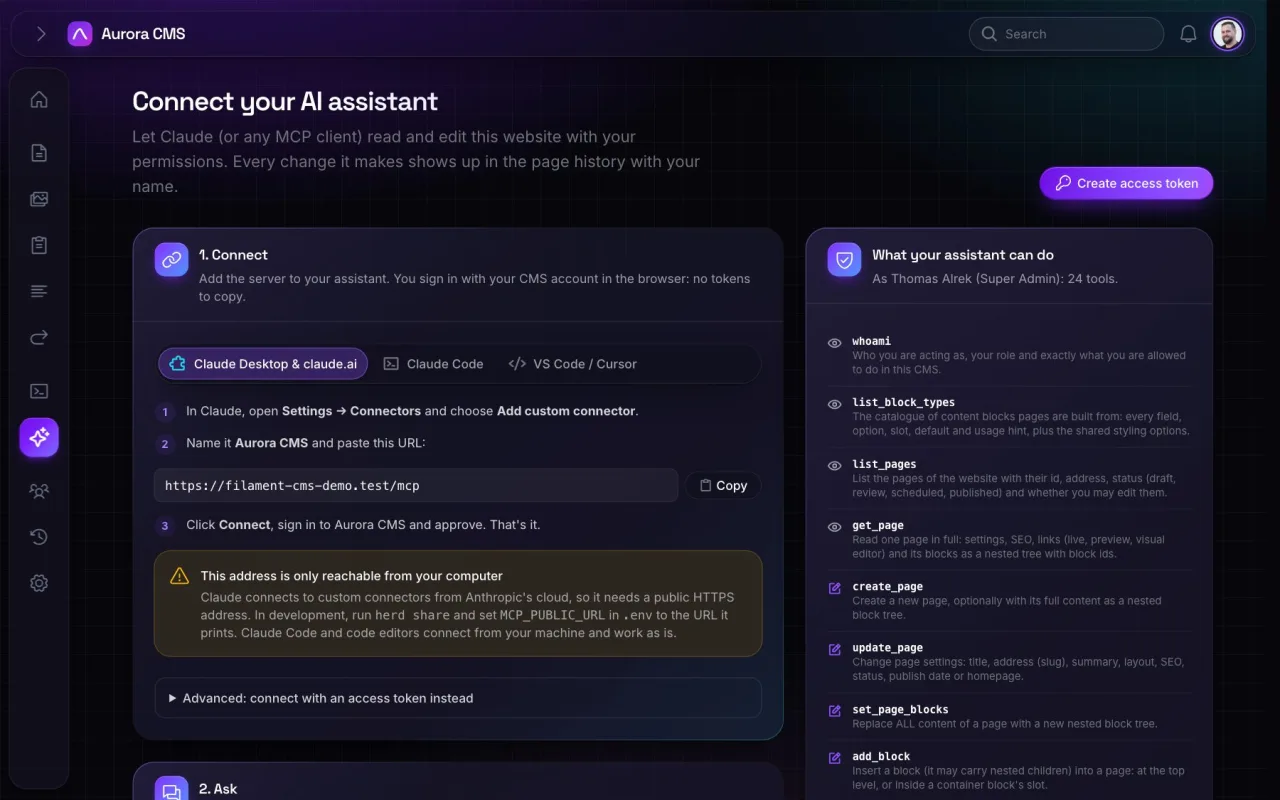
9 October 2026
Let Claude draft a page for you
Connect Claude over MCP and ask it for a first draft you can refine.
Read the guide
10 October 2026
Add your own block
Make a block with one command: a PHP class, a Blade view and the helpers that render it.
Read the guide