Docs
Roles & security
Roles, permissions, passkeys and two-factor sign-in.
Roles
Aurora comes with four roles (Super Admin, Editor, Author and Viewer) and lets you make your own from a list of permissions. Nobody can grant a permission or a role they don't hold themselves, and nobody can change their own roles.
Signing in
- Passkeys: sign in with a fingerprint, face, screen lock or security key.
- Authenticator apps: as many as you like, with recovery codes for a lost phone.
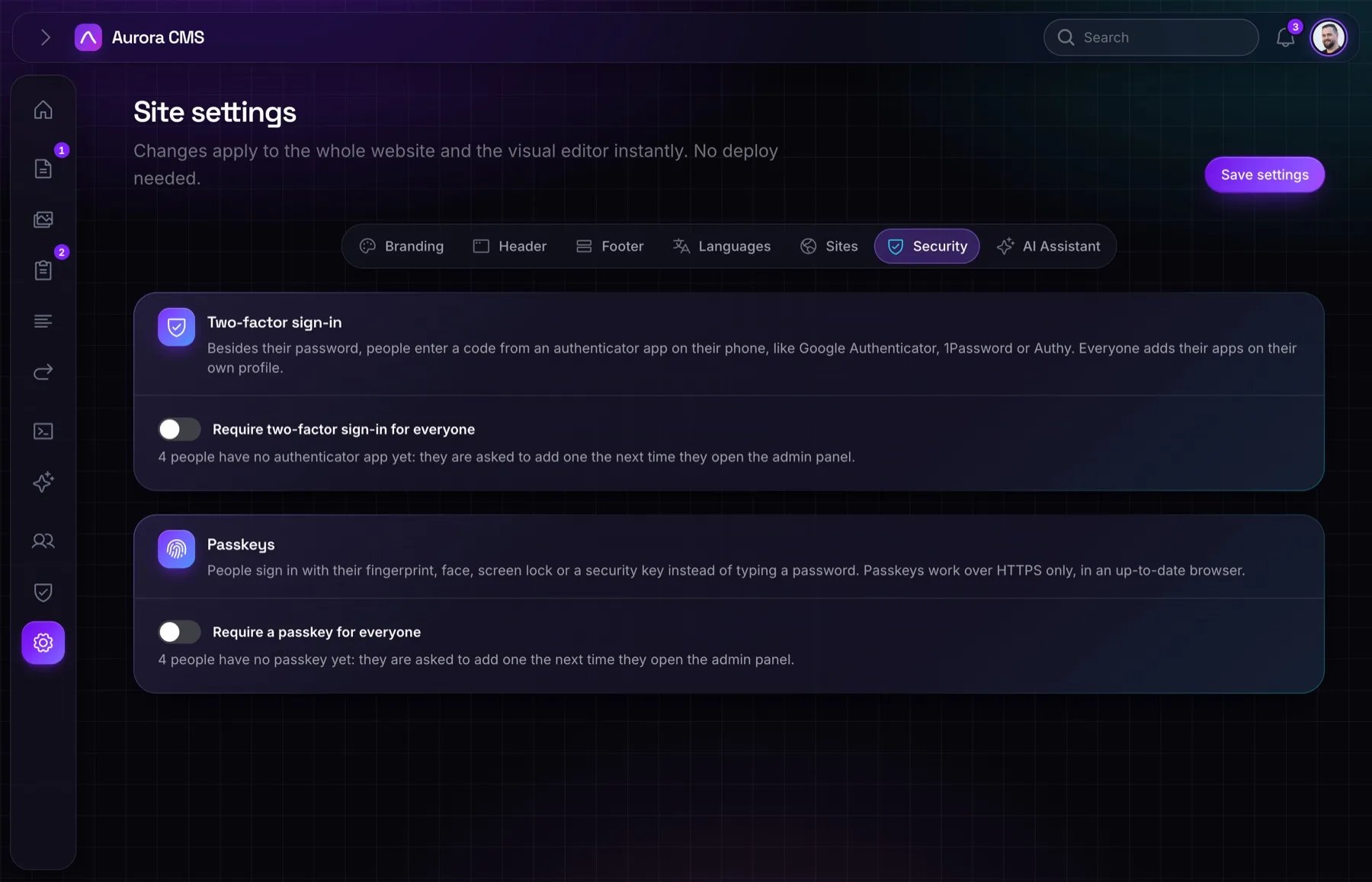
- Requirements: under Settings → Security, require an authenticator app or a passkey for everyone. People without one are asked to add it before anything else.
Keeping track
Every change to a page is a revision with a name on it, AI actions have their own activity log, and people who manage users can view the admin as someone else to see exactly what they see.
PHP
// In your own code, Aurora's permissions are plain Laravel gates.
if ($request->user()->can('publish Page')) {
    // …
}