Veiledning
La Claude lage et utkast for deg
Connect Claude to Aurora over MCP and ask it for a first draft. It works with your permissions, and everything it does is a revision you can undo.
1. Connect
In Claude, add a custom connector with your site's MCP address. Claude opens Aurora's sign-in; sign in and approve.
https://your-site.example/mcp2. Ask for a draft
Be specific about the audience, the sections you want and the tone. Claude reads the block catalogue first, so it knows what it can build with.
“Lag et utkast til en landingsside for vårens webinarserie: en hero, tre kort for øktene, en kort spørsmål-og-svar-del og en oppfordring til å melde seg på. La den være et utkast.”
Du
i Claude
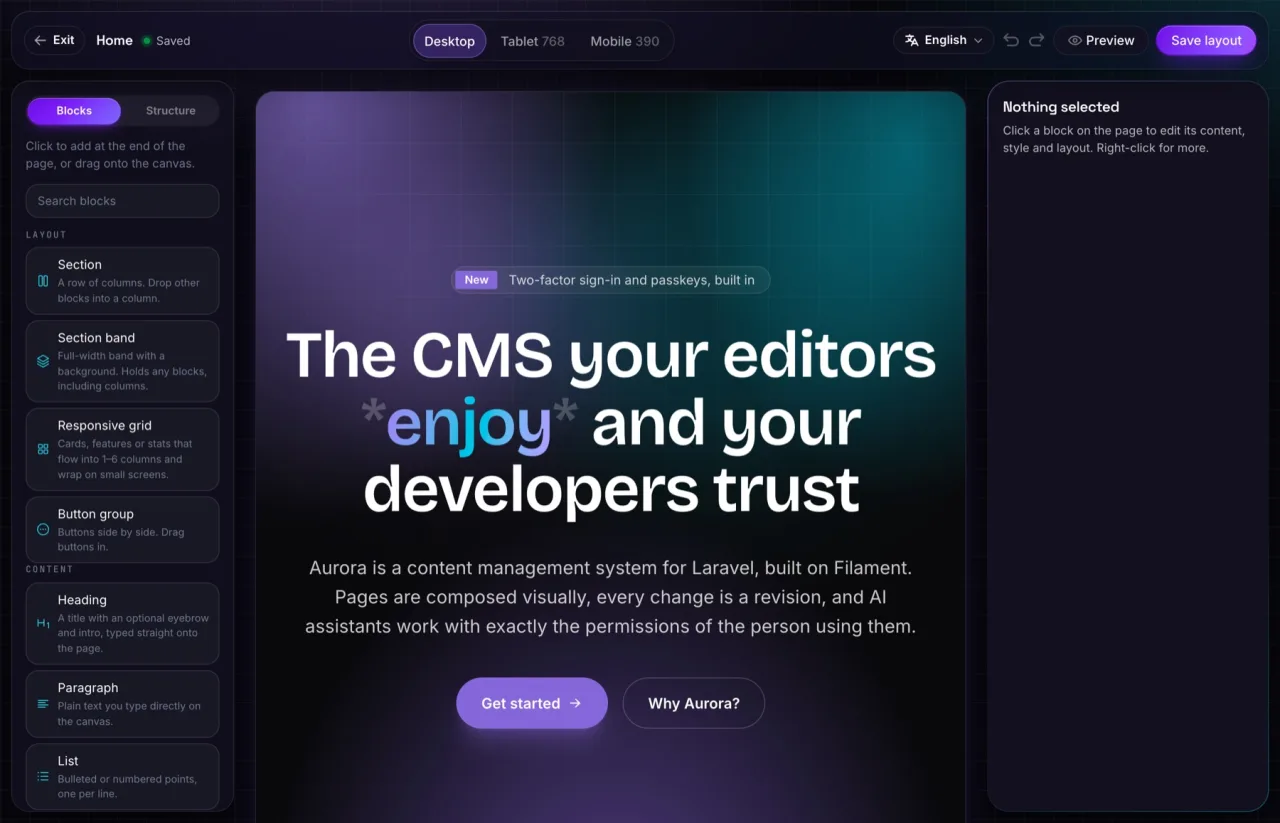
3. Review it in the editor
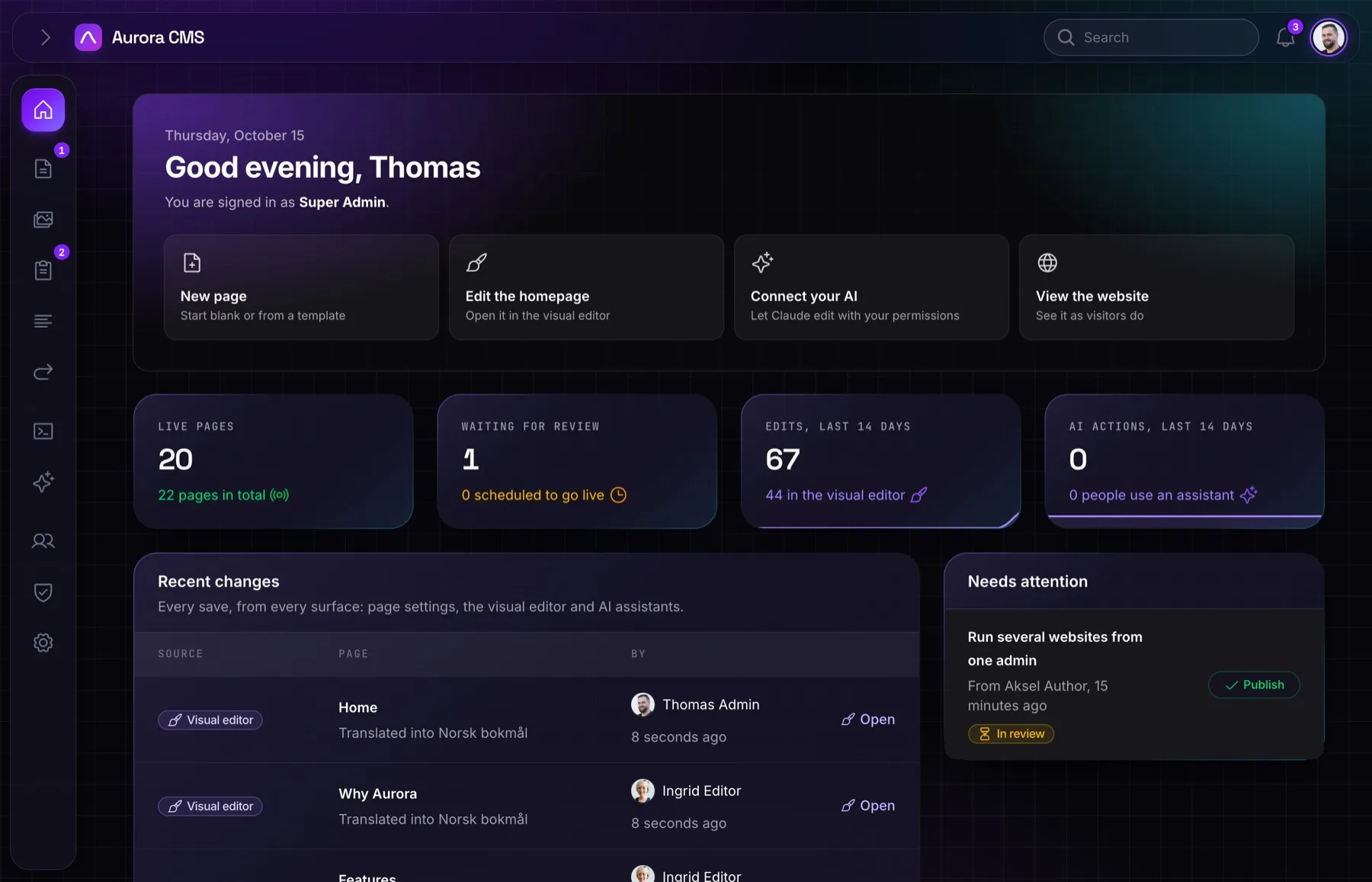
Open the page in the visual editor. Claude's changes show in the history with a sparkle and your name. Adjust anything, then publish when you are happy. If you are an Author, Claude can only send it for review, just like you.