Dokumentasjon
Nettstedets innstillinger
Gi malene dine innstillinger redaktørene kan endre, per nettsted.
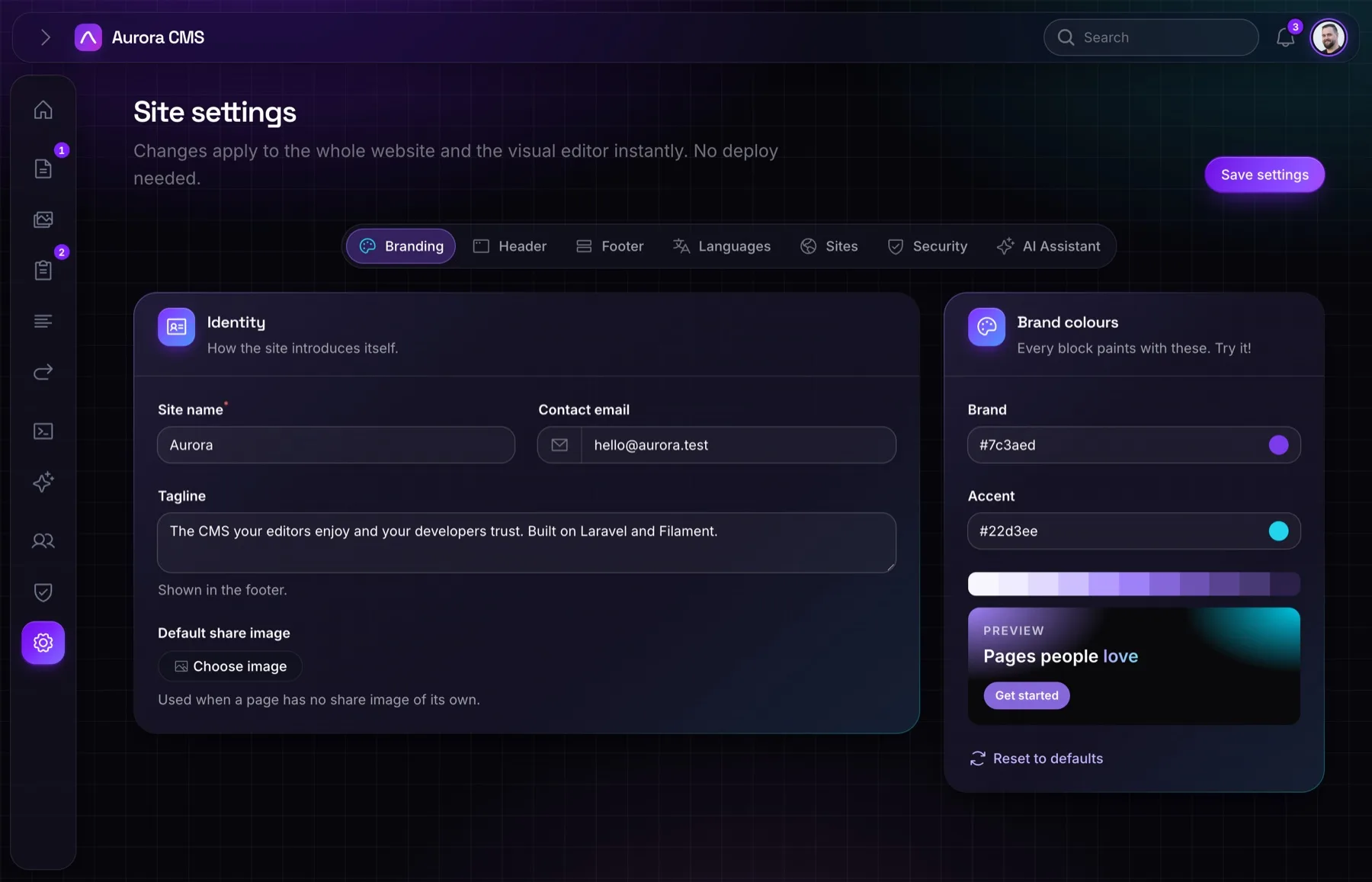
Aurora's Settings page holds the CMS's own settings: the site name, colours, languages, sites and the AI assistant. Your templates usually need a few more (a button in the header, a note in the footer). Register them as a tab of your own.
app/Providers/AppServiceProvider.php
PHP
use Aurora\Support\SettingsTabs;
use Filament\Forms\Components\TextInput;
use Filament\Schemas\Components\Tabs\Tab;

SettingsTabs::register('footer', fn (): Tab => Tab::make(__('Footer'))
    ->icon('phosphor-rows')
    ->schema([
        TextInput::make('footer_note')->label(__('Footer note')),
    ]), siteKeys: ['footer_note']);
Keys listed in siteKeys are kept per site, so each of your websites can say something different. Read them anywhere:
resources/views/components/site/footer.blade.php
Blade
<p>{{ \Aurora\Models\Setting::get('footer_note') }}</p>